Hermes 搭建可视化web-dashboard界面
官网
- hermes【https://hermes-agent.nousresearch.com/docs/user-guide/features/web-dashboard】
升级版本
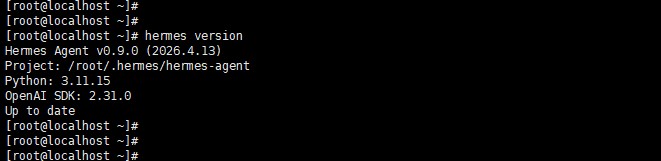
查询当前版本是否和官网一致
hermes version
升级版本
hermes update
配置
hermes dashboard
- http://192.168.0.107:9119/
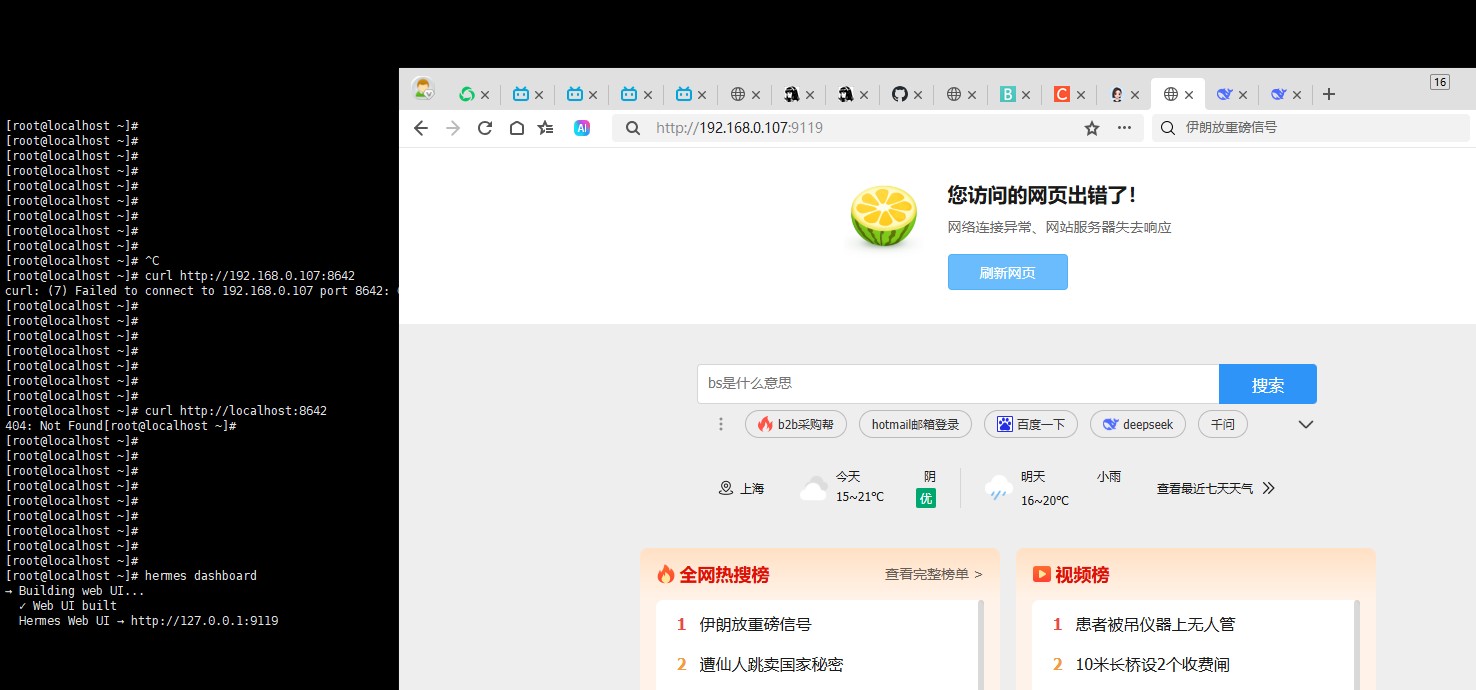
hermes dashboard --host 0.0.0.0

原因是hermes安全控制不允许,本机之外访问
解决通过nginx代理
- 安装nginx
curl -o nginx-1.26.2.tar.gz http://nginx.org/download/nginx-1.26.2.tar.gz
tar -zxvf nginx-1.26.2.tar.gz
cd nginx-1.26.2
- 编译环境
# 安装开发工具组(包含 gcc、make 等所有编译必需工具)
sudo yum groupinstall "Development Tools" -y
- 编译
./configure --prefix=/usr/local/nginx --with-http_ssl_module
make
sudo make install
- 启动
sudo /usr/local/nginx/sbin/nginx

- 配置代理
- cd /usr/local/nginx/conf/
- vim nginx.conf
server {
    listen 9118;
    #server_name 你的内网IP;
    server_name 192.168.0.107

    location / {
        proxy_pass http://127.0.0.1:9119;
        proxy_http_version 1.1;
        proxy_set_header Upgrade $http_upgrade;
        proxy_set_header Connection "upgrade";
        proxy_set_header Host $host;
        # 注意:此处已移除 auth_basic 相关配置
    }
}
- 重启ninx服务
./nginx -s reload
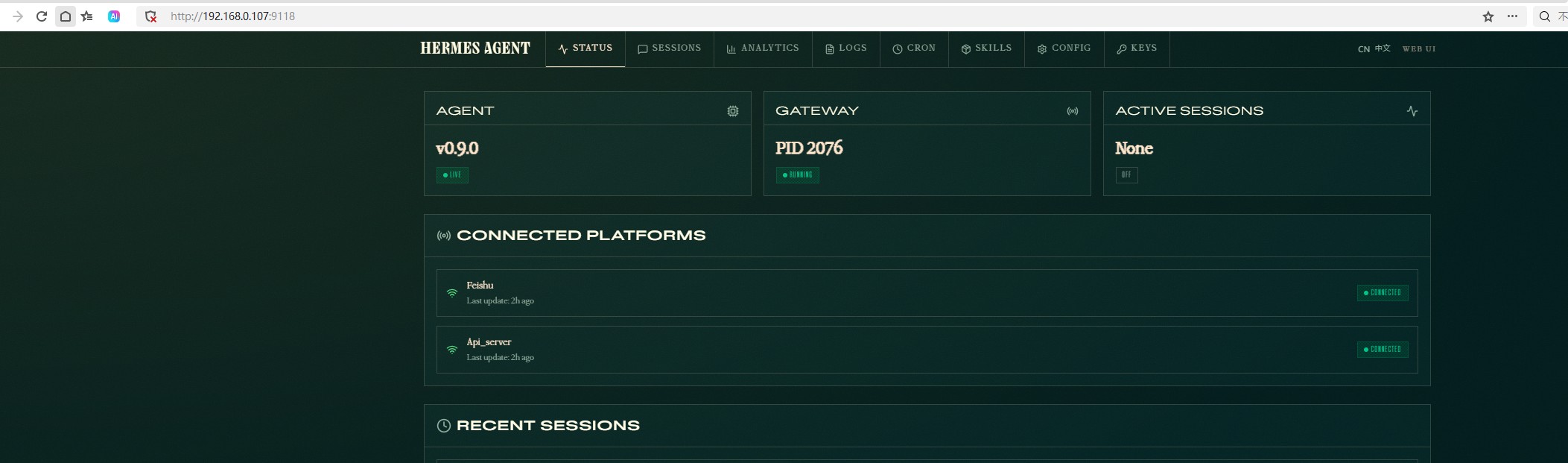
- 访问如下地址
http://192.168.0.107:9118/
- 如果不能访问
- 确认端口是否启用 netstat -tlnp | grep 9119
- 重启 hermes dashboard
- 后台启动命令 nohup hermes dashboard > /tmp/hermes-dashboard.log 2>&1 &